1You
Pin the comment where it hurts
Click the exact spot on a screen and say what is wrong. Paste an image, mention a teammate, keep the thread.
Click on your app and say what looks wrong. Your AI draws a better screen. Say yes, and it builds it.
Better screens, without hiring a designer
Always your brand, your colours, fonts and logo
No extra AI bill, it uses the AI you already pay for
The board holds every screen of every journey. The agent designs the step between two screens, not one screen in a vacuum.
Every design renders with the tokens, fonts and logos from your corporate design page. The agent has no room to invent a colour.
After building, it screenshots each screen of your running app and compares it with the design you approved, then fixes what differs.
Drag the handle. Left, the screenshots of what ships today. Right, the designs the agent proposed on the same cards.
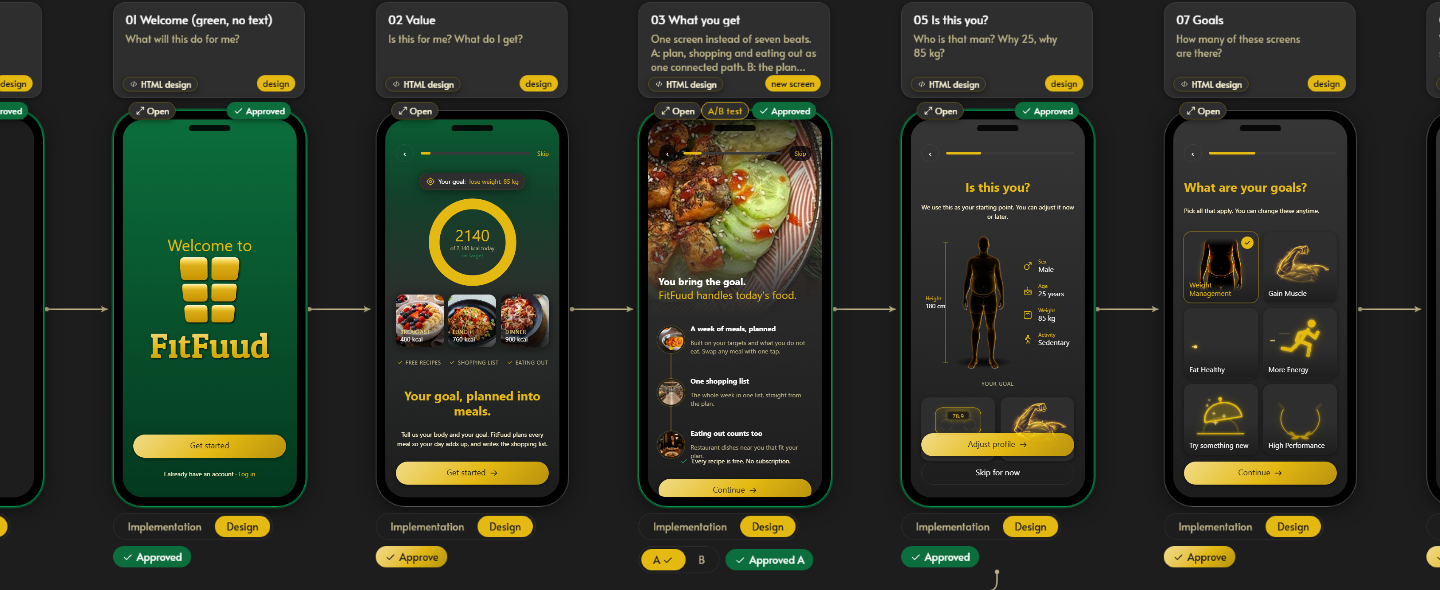
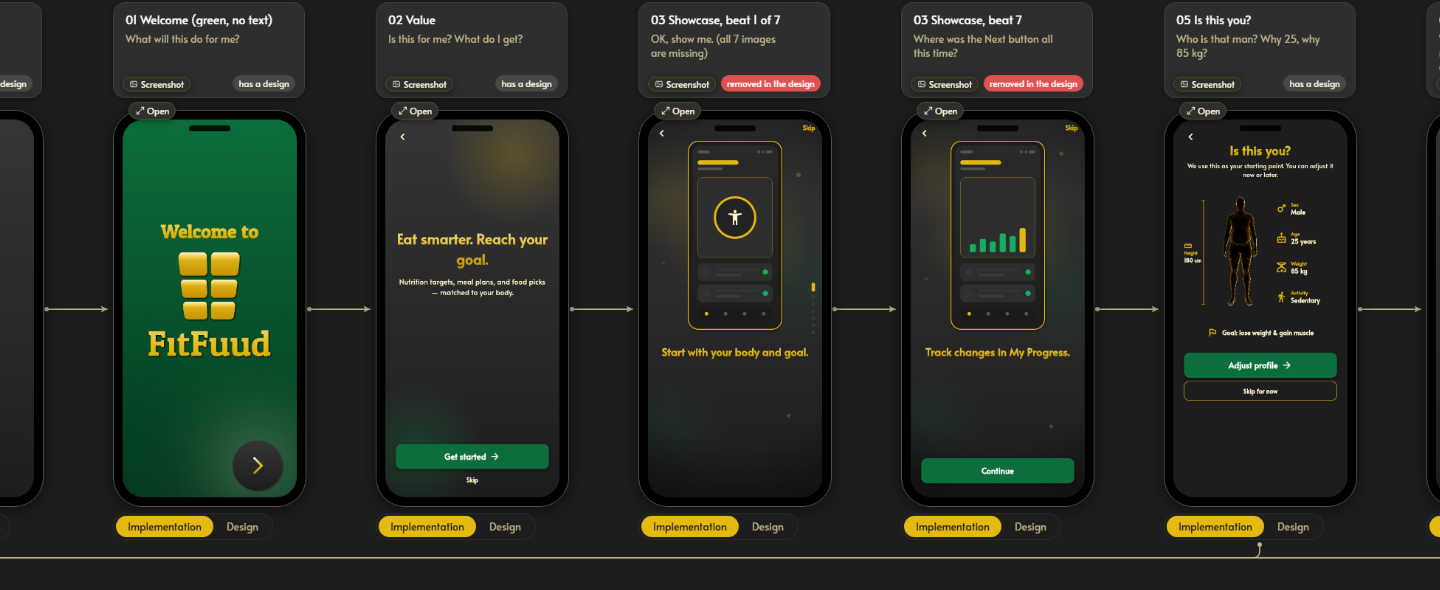
FitFuud, the first product designed on Grafaris. One switch in the header flips every card between the two.
One round, up close
Each pin names one mistake. The agent answers all four in a single new version, and the old one stays on the card to compare.
Before 4 comments pinned
Acme Books
Create your Acme Books account
Welcome to Acme Books. By creating an account you accept our terms of service, our privacy policy and our cookie policy. We may send you product news and tips, which you can turn off in settings. Accounts that stay inactive for 24 months may be closed.
By clicking you agree to the terms and conditions and the privacy policy and the cookie policy.
After sign-up v2, designed by your agent
Acme Books
Start your books in one minute
Change anything later in settings.
Screen sizes and languages
Add the sizes your product runs on, from a watch to a wide desktop, and the languages it speaks. Each card keeps its captures and designs per size, and the board switches with one click.
Onboarding›2. Sign up
Acme Books
Start your booksStarte deine Bücher
Create accountKonto erstellenAcme Books
Start your booksStarte deine Bücher
Create accountKonto erstellenAcme Books
Start your booksStarte deine Bücher
Create accountKonto erstellenHow it works
Click a step to see it. The steps move on when you stop scrolling.
1You
Click the exact spot on a screen and say what is wrong. Paste an image, mention a teammate, keep the thread.
2Your agent, put_design
It reads the open comments and your brief over MCP, writes a new design version and replies on the thread.
3You
Versions never overwrite each other. Compare them on the card, ask for another round, approve the right one.
4Your agent, grafaris-implement
The implement skill walks the journey in a browser, screenshots every screen and compares it with the approved design.
Acme Books
Create your Acme Books account
Welcome to Acme Books. By creating an account you accept our terms of service, our privacy policy and our cookie policy. We may send you product news and tips, which you can turn off in settings. Accounts that stay inactive for 24 months may be closed.
Too much text before the sign-up button. One decision per screen.
Title too small.
Label the password field.
>answer Maya's comment on Sign up
●list_open_comments1 open
●get_screenshotsign-up
●put_designsending…sign-up v2 ✓
<h1>Start your books</h1>
<label>Email</label>
<button>Create account</button>
Heading first, fields labelled, one sign-up button. v2 is on the card.
 J01Onboarding›Sign up
Acme Books
Start your books
Takes one minute
Password
Create accountAlternative Atwo choices
Acme Books
Create your account
Alternative Bheading first
Acme Books
Start your books
Takes one minute
Password
Create accountApproved Bboard
Acme Books
Start your books
Takes one minute
Password
Create accountRound 1: screenshot, compare, fixRound 2: screenshot, compare, fixRound 3: matches
Your apprunning
Acme Books
Start your books
Takes one minute
Password
Create accountAcme Books
Start your books
Takes one minute
Password
Create accountAcme Books
Start your books
Takes one minute
Password
Create accountCorporate design
Set up your corporate design once: colours, fonts, logos, icons, spacing and corners. Every design your AI makes follows all of it. On Premium, Grafaris itself wears it too.
Switch design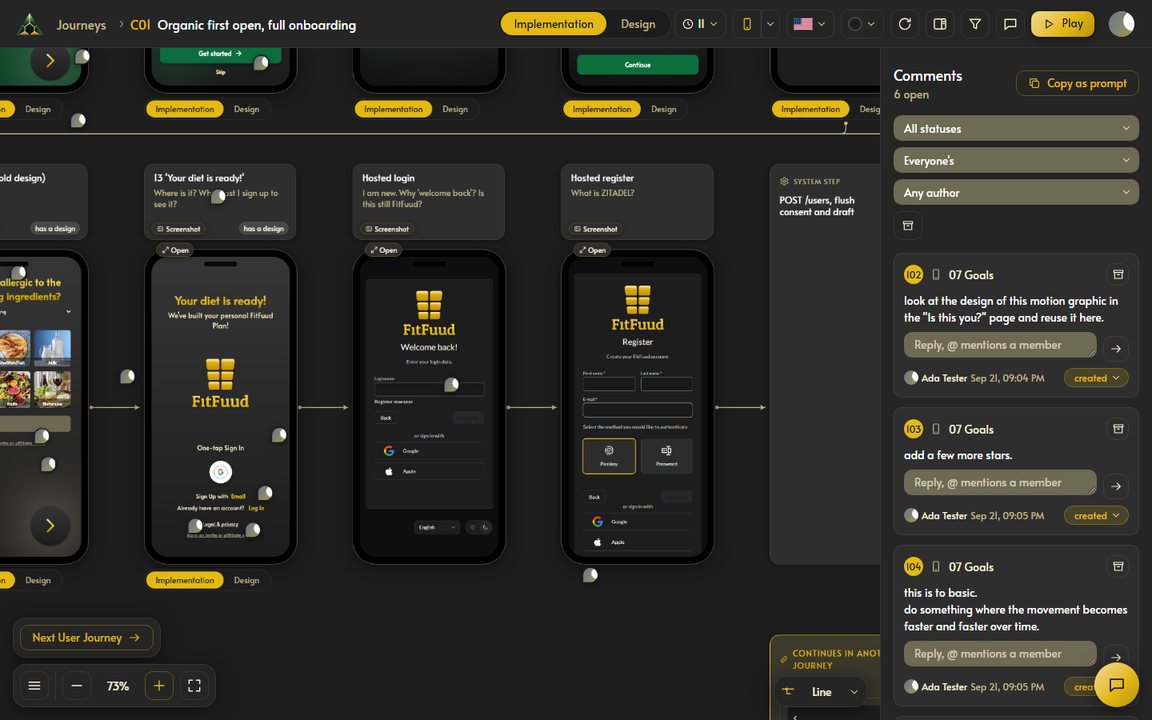
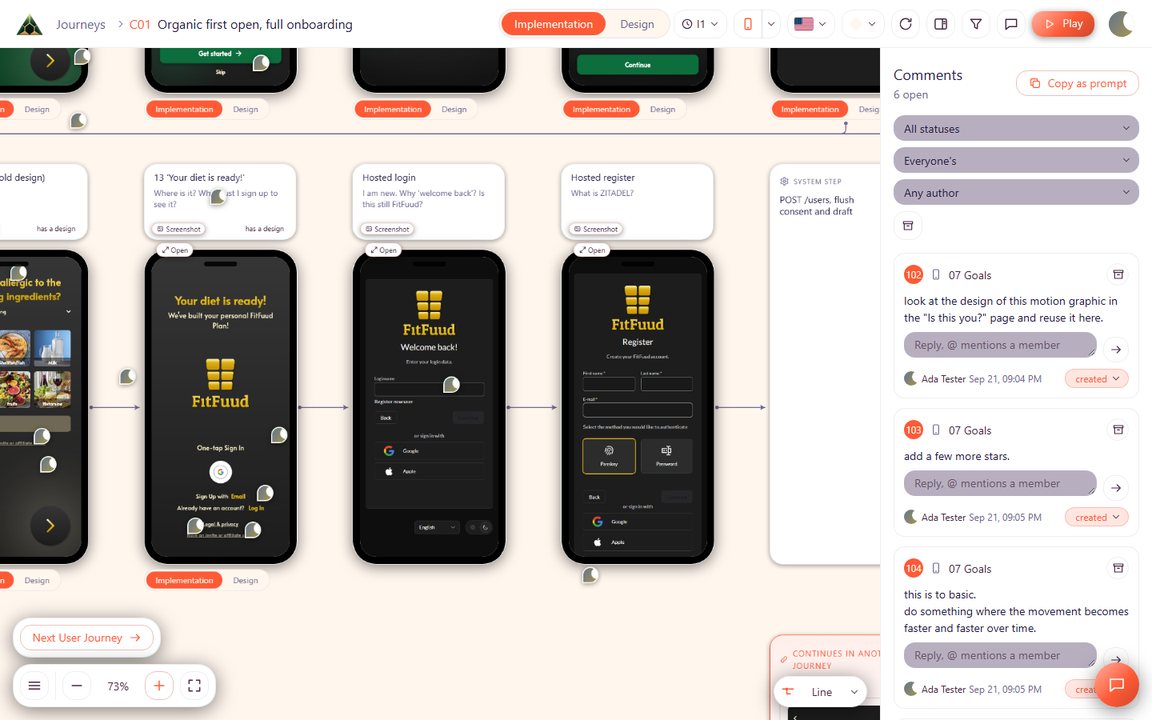 Design 1Design 2
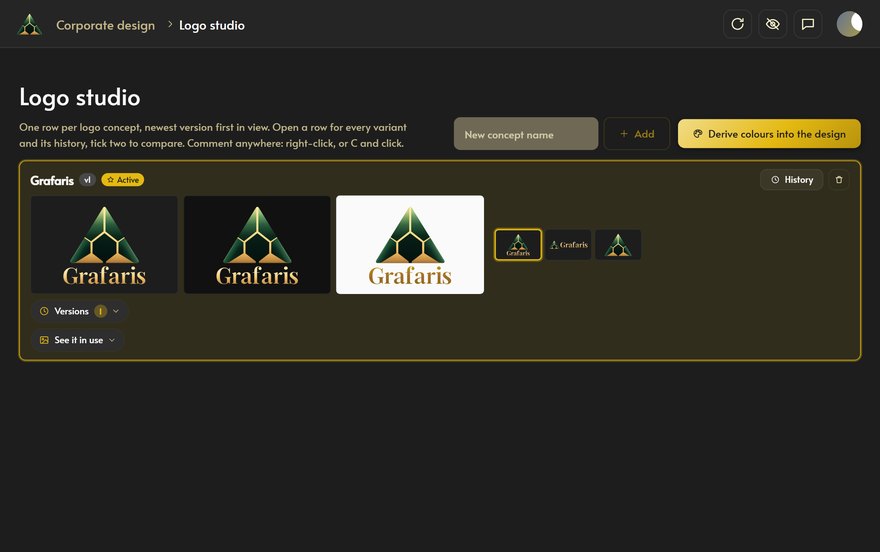
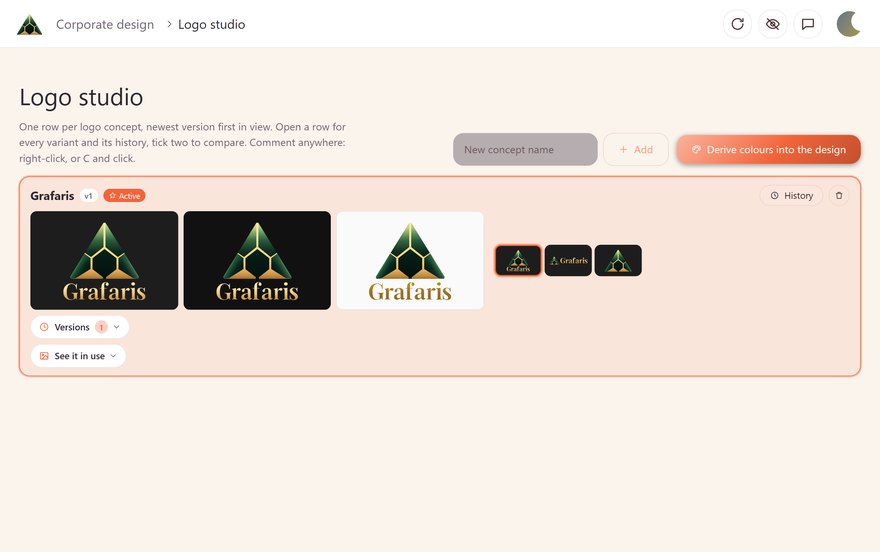
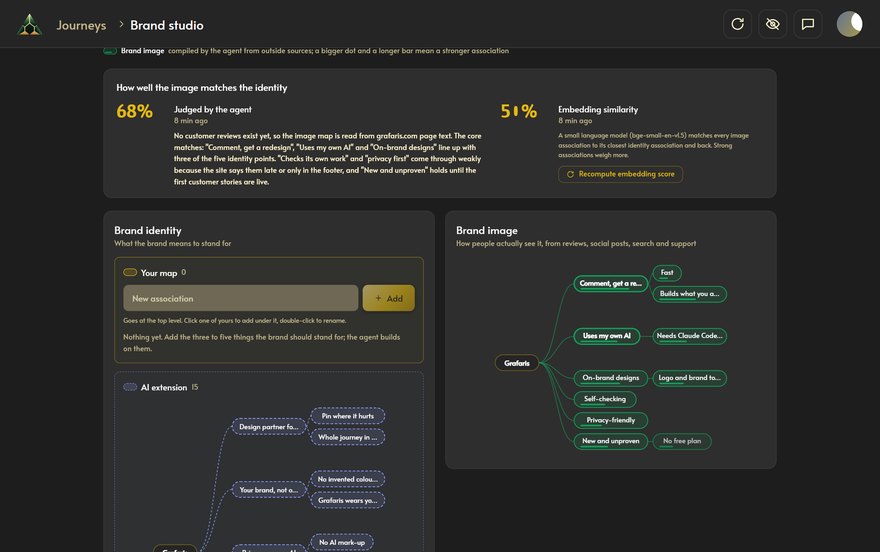
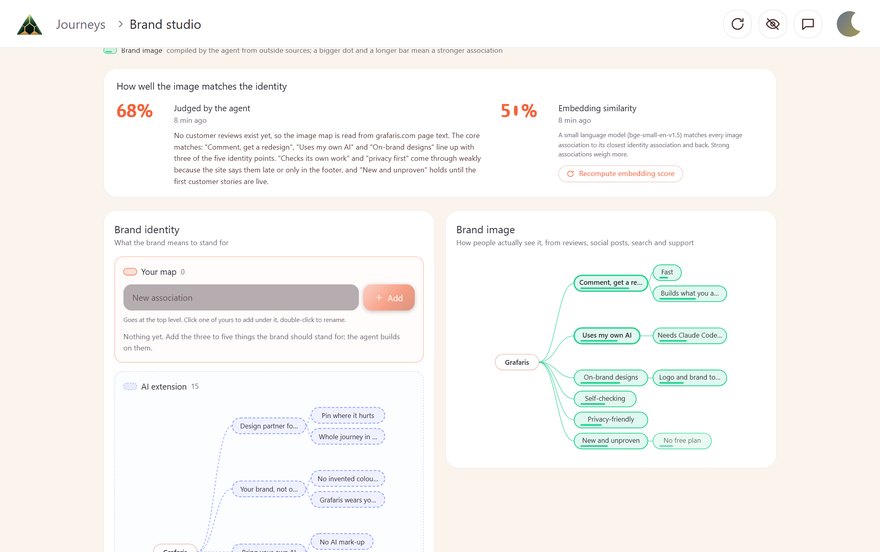
Logo Studio and Brand Studio
Two studios sit on the same board as your journeys. Your AI works in them the same way: you comment, it answers.
Corporate design›Logo studio
Logo studio
Grafarisv1ActiveHistory

⌄ Versions 2

› See it in use
Your AI draws logo concepts and new versions of the one you like.
Journeys›Brand studio
Brand identity Yours AI
Brand image reviews, posts, search
Say what your brand should stand for. Your AI researches how people actually see it.
Bring your own AI
Grafaris has no AI of its own. The board and your comments live online. Your code and your AI stay on your computer.
Online
Your computer
Acme Books
Create your account
Welcome to Acme Books. By creating an account you accept our terms of service, our privacy policy and our cookie policy. We may send you product news and tips, which you can turn off in settings. Accounts that stay inactive for 24 months may be closed.
Password
SubmitAcme Books
Start your books
Takes one minute. Change anything later.
Password
••••••••••
Create account14 days free on every plan
Every plan lets your AI design and build your screens. Pick by how many products and people you have.
Everything you need for one product.
For several products, clients or brands.
One board for your whole product team.
A card is needed to start. Cancel before day 14 and you pay nothing. Compare every plan
Before you start the trial
One short answer each. The detail sits on the pricing and privacy pages.
Setup
If you are comfortable in a terminal, use Claude Code or Codex. That is the connection we recommend, and both do the whole loop, including building into your code. Otherwise connect the Claude app, ChatGPT, DeutschlandGPT or Grok. Your AI plan must allow custom connectors: Claude Pro, Max, Team or Enterprise, or ChatGPT Plus, Pro, Business, Enterprise or Edu. Grafaris adds no AI cost on top.
Web apps, for now. Native mobile and desktop apps are not supported yet.
Your agent opens your running app in a browser, walks each journey and uploads one screenshot per screen. You can also start from the URL of a live site.
Yes, to comment, compare designs and approve. For new designs, someone on the project connects an AI, and the Claude app needs no terminal. Building a design into your code still takes a coding agent.
No. Designs are HTML in your brand tokens, so your agent builds them straight into your code.
Data and cost
Only the screenshots you put on the board, and they are stored with your project on our servers in Germany. Your code and your agent stay on your computer.
Every processor and storage place: Datenschutz
Yes, a little. Each design round is an ordinary agent session on your own plan, like asking your agent to restyle a screen.
Plans
Cancel before day 14 and you pay nothing. After that your plan bills each month and you can cancel for the end of any month. When it ends, your organisation turns read-only and nothing is deleted.
The whole loop works today. Prices, SSO and the audit log come at launch.
Plan limits and billing: Pricing
Try Grafaris on your own product for 14 days. Your AI does the design work, you pick what ships.